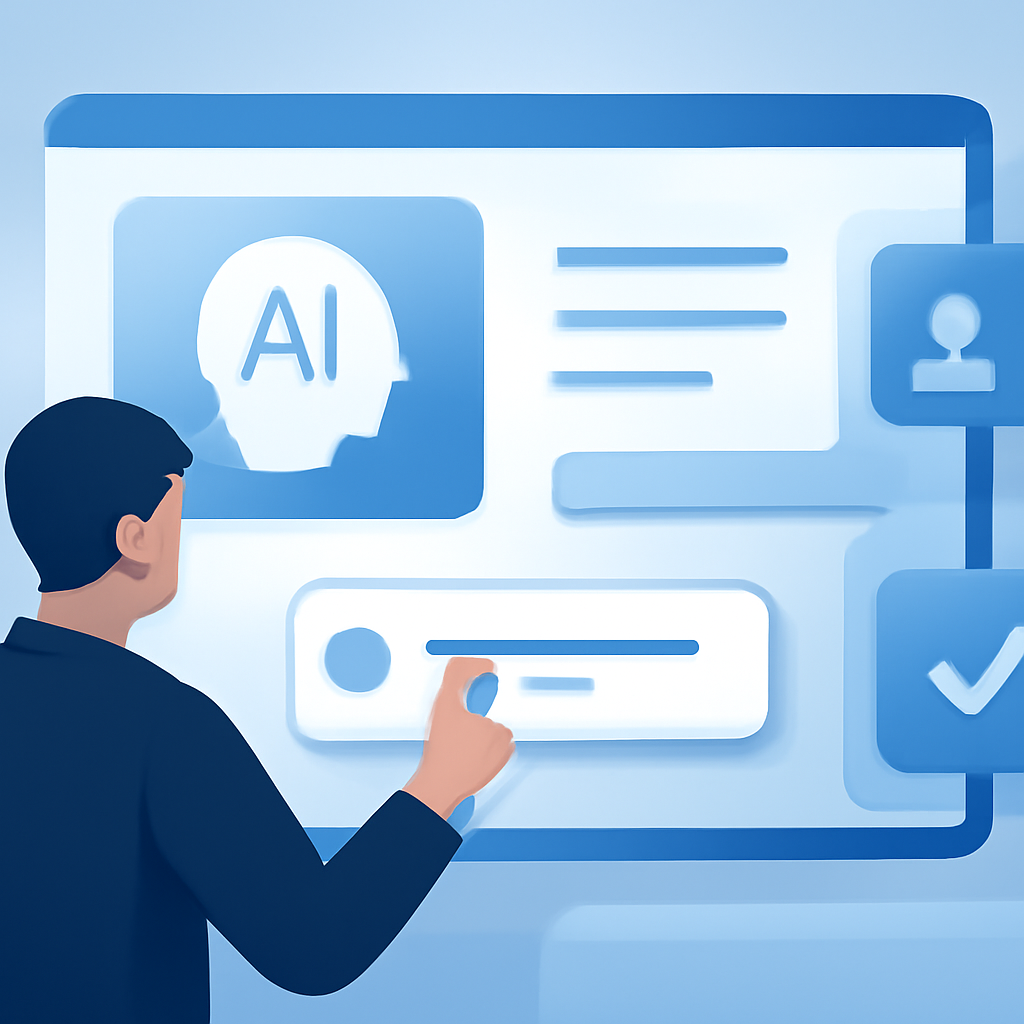
OpenAI has published a concise product demonstration that walks teams through Daybreak Blue onboarding, offering a focused look at the setup experience and the steps required to request and enable the model. Presented as a short video and accompanied by an illustrative image, the walkthrough is designed to guide organizations through the initial activation and configuration flow for Daybreak Blue.
The demo centers on practical, operational details rather than technical internals. Viewers are shown the request-and-enable sequence that a team or administrator would follow to make the model available for use. The page where the resource is hosted emphasizes this activation pathway with a playable video and an image labeled “How to request and enable Daybreak Blue,” underlining the demo’s purpose as an onboarding aid.
OpenAI positions the resource on its business resources site as a product demo intended for teams considering or preparing to adopt Daybreak Blue. The content is deliberately concise: the primary asset is a video recording that walks through each step of the onboarding experience so teams can observe the full sequence before attempting it themselves. The demo is accessible directly from the Daybreak Blue onboarding page on OpenAI’s business site.
For those who prefer to watch rather than read, the source page links to the hosted recording (YouTube ID: NS220dAaRMo), allowing users to play the walkthrough in a familiar video format. The inclusion of a linked recording makes it straightforward for organizations to share the demo with colleagues, review the steps in real time, and follow along during their own enablement process.
Beyond the video, the page includes a static image intended to clarify the request-and-enable steps. That image, explicitly labeled to describe how to request and enable Daybreak Blue, serves as a quick reference for the sequence shown in the demo. Together, the video and the image offer complementary formats for teams that need either a paced visual demonstration or a simpler illustrative reminder of the steps involved.
The walkthrough’s focus on the request and enable flow reflects a common need among organizations adopting new models: administrators and product teams require clear, repeatable procedures to ensure correct activation and governance. By presenting a straightforward demo, OpenAI provides a practical starting point that teams can use to coordinate internal responsibilities, prepare access requests, and confirm successful enablement.
OpenAI classifies the resource as a product demo on its business resources site, making it part of the company’s broader support materials for business users. The entry point for this content is the Daybreak Blue onboarding page, which aggregates the video and illustrative image in one place to simplify discovery and consumption. The site’s structure intends to make onboarding assets easy to find for teams already exploring Daybreak Blue for their workflows.
For organizations evaluating Daybreak Blue or preparing to roll it out internally, the demo offers a compact orientation to the initial steps. It does not replace detailed documentation or policy planning, but it helps demystify the immediate actions required to request access and enable the model in an environment. Viewing the walkthrough can help teams anticipate the sequence they will follow and coordinate any necessary approvals or technical preparations.
To access the demo, visit OpenAI’s Daybreak Blue onboarding page on the company’s business resources site. The page contains the playable video and the labeled image illustrating the request-and-enable process. The linked recording (YouTube ID: NS220dAaRMo) is available from the source page for those who want to watch the full onboarding sequence directly.
Conclusion
OpenAI’s Daybreak Blue onboarding demo provides a short, practical walkthrough of the request-and-enable process for teams preparing to adopt the model. By combining a step-by-step video with an illustrative image, the resource aims to make the initial configuration straightforward and shareable across teams. Organizations interested in observing the full onboarding flow can play the recording from OpenAI’s business resources site to familiarize themselves with the activation steps before initiating the process internally.
Source: Read the original source
Leave a Reply